
Shopify Auction Plugin for Live Bidding, Timed Auctions & Higher Sales
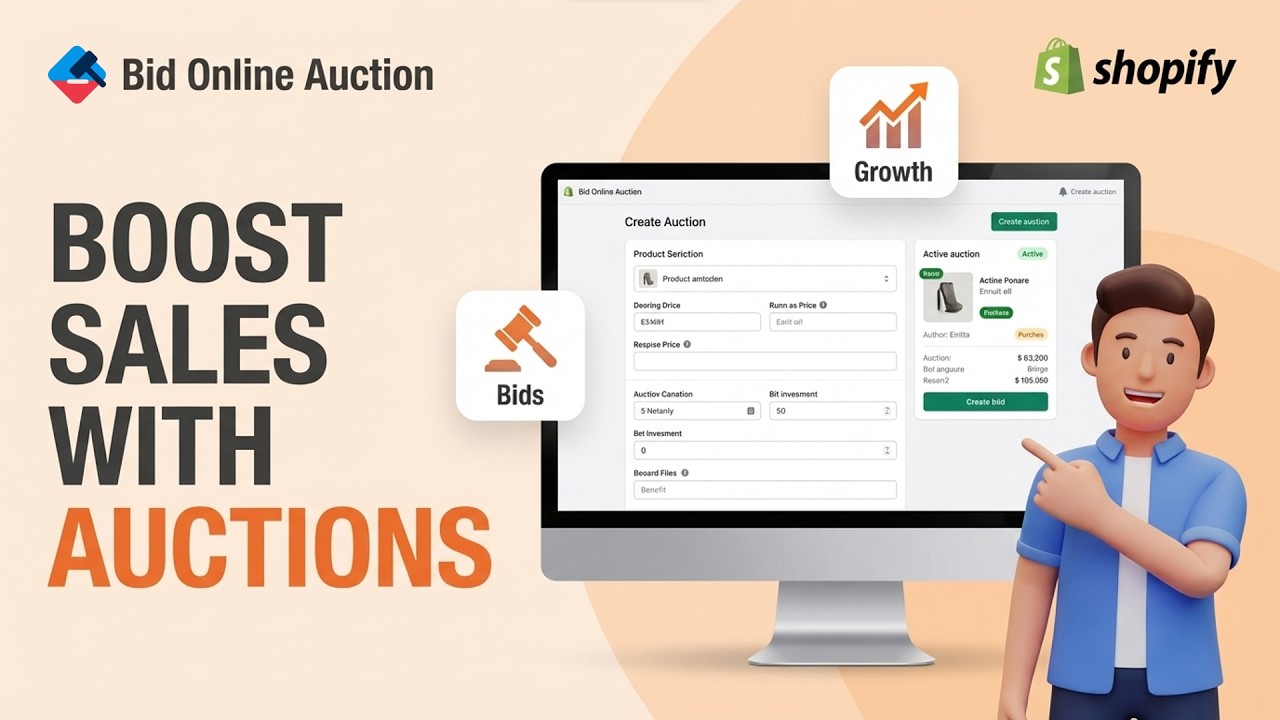
Run powerful Shopify auctions with live bidding, proxy bidding, popcorn bidding, reserve prices, and real-time countdown timers. Turn products into competitive auctions that increase customer engagement, boost conversions, and maximize revenue.
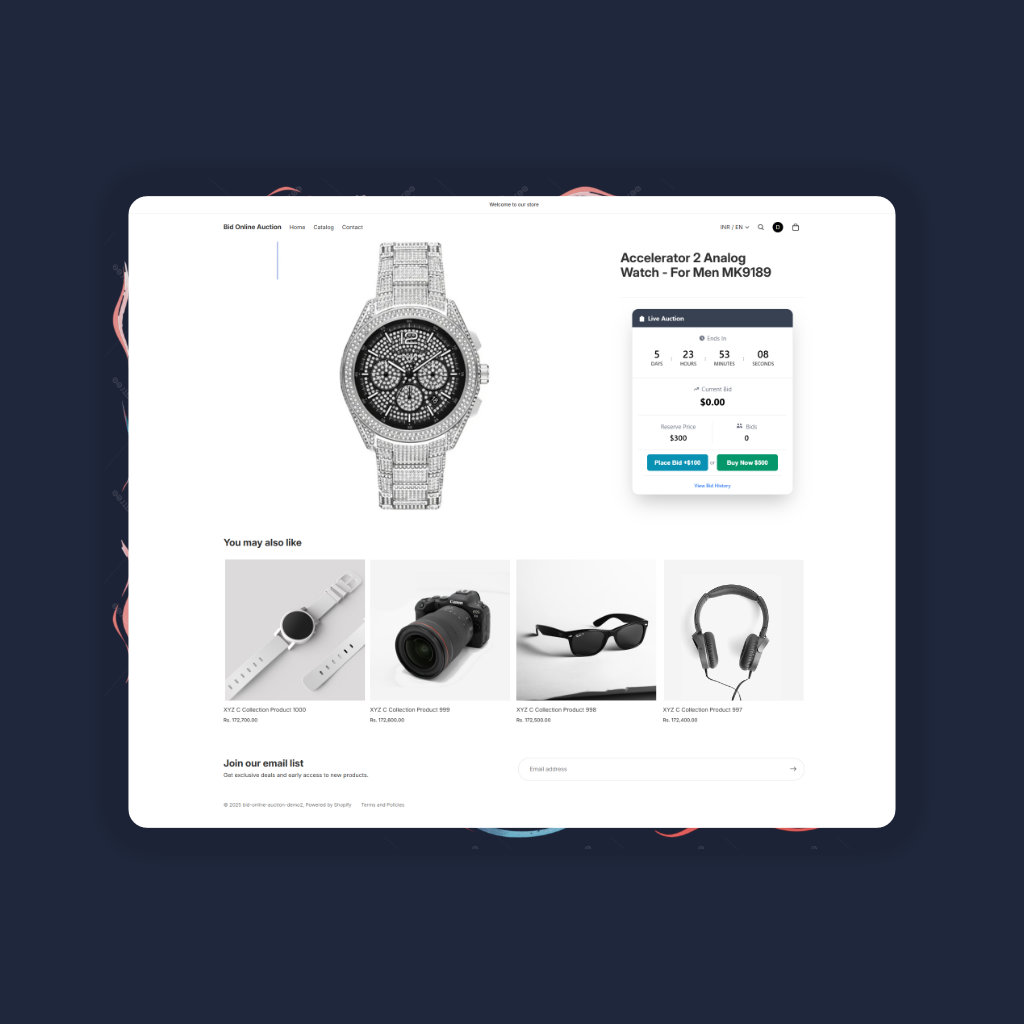
Current Bid
$450.00
Why Choose Bid Online Auction?
We provide the most robust and user-friendly auction solution for Shopify merchants, with powerful features designed to boost your sales and maximize revenue.
Create Urgency
Countdown timers and competitive bidding create a sense of urgency that drives customers to act fast.
Maximize Profits
Let customers compete for your products, often driving prices higher than fixed pricing.
Engage Customers
Our auction platform fosters a competitive environment, encouraging customers to engage with your products and each other.
Buyout Price
Let customers purchase the item instantly at a fixed price to end the auction early. Ideal for time-sensitive buyers who don't want to wait.
Reserve Price Option
Set a minimum price that must be met for the item to be sold. Protects your interests while still engaging bidders.
Popcorn Bidding (Anti-Snipe)
Prevents last-second bidding by extending the auction time when a bid is placed in the final moments. Ensures all bidders have a fair chance.

Powerful Features for Serious Merchants
Everything you need to run successful auctions on your Shopify store, built with performance and conversion in mind.
Get started with auctions in minutes
Install from Shopify App Store
Search for 'Bid Online Auction' in the Shopify App Store and install with one click. No coding required.
Enable App Embeds
In your Shopify admin, go to Online Store > Themes > Customize and enable Bid Online Auction in the App Embeds section.
Create Your First Auction
Set start/end dates, starting bid, and optional reserve price. Our intuitive interface makes setup easy.
Watch the Bids Roll In
Your auction will automatically appear on product pages. Customers can bid in real-time, creating excitement.
Simple, Transparent Pricing
Choose the plan that fits your business needs.
Free Plan
Perfect for trying out auctions.
- 1 auction is allowed
- Bid Increment
- Block Positioning
- Highest Bidder Lock
- Multi-Language Support
- Product Card Widget
- pricing.features.remove_decimal
Pro Plan
For growing businesses scaling their sales.
- All features of FREE plan
- 15 auctions are allowed
- Block Designing
- Buyout Price
- Email Notifications
- Manual Winner Selection
- Multiple Auction Creation
- Relist Unsuccessful Auctions
- Reserved Price
- Variant Selection
Pro+ Plan
Maximum power with all features included.
- All features of PRO plan
- Unlimited auctions are allowed
- Auction on Collection
- Auction Widget Display Settings
- Custom Bid
- Edit Email Templates
- End Auction
- Hide Auction Block
- Start Auction Immediately
- Multi Currency
- Penny Auction
- Popcorn Bid (Soft Close)
- Proxy Bid
Pro Ultra Plan
The ultimate solution for high volume merchants.
- All features of PRO+ plan
- Dutch Auction
- Evergreen Auction
- Group Order
- My Auctions
- Outbid Notification
- Waterfall Winner
- Wishlist
Frequently Asked Questions
Can't find the answer you're looking for? Reach out to our support team.
Need help?
No chatbots, no AI-generated responses. Every support request is handled by a knowledgeable member of our team.
Contact Support →Ready to Transform Your Store with Auctions?
Start engaging your customers and increasing sales today with Bid Online Auction.
Install for Free
Merchants Love Bid Online Auction
Real results from real Shopify store owners who turned everyday products into thrilling bidding experiences.
"This is an outstanding app. It offers all the essential features for auctions and is incredibly intuitive to use. Communication with the development team was seamless and prompt. I highly recommend this app to anyone starting an auction business."
"very good plugin, simple/clear. If you can add something like an sms alerte or popup website Otherwise very good, easy to use"
"it is good app , the devs are trying always to update it."
"Good App with all necessary features, simple Ui and good support"
"This is an outstanding app. It offers all the essential features for auctions and is incredibly intuitive to use. Communication with the development team was seamless and prompt. I highly recommend this app to anyone starting an auction business."
"very good plugin, simple/clear. If you can add something like an sms alerte or popup website Otherwise very good, easy to use"
"it is good app , the devs are trying always to update it."
"Good App with all necessary features, simple Ui and good support"
"This is an outstanding app. It offers all the essential features for auctions and is incredibly intuitive to use. Communication with the development team was seamless and prompt. I highly recommend this app to anyone starting an auction business."
"very good plugin, simple/clear. If you can add something like an sms alerte or popup website Otherwise very good, easy to use"
"it is good app , the devs are trying always to update it."
"Good App with all necessary features, simple Ui and good support"
Join 120+ merchants already growing with Bid Online Auction
Get the App