Auction on Collection
Allow user to create auction on all products of selected collection
Description
The Auction on Collection feature enables users to set up auctions for every product within a chosen collection. Instead of creating individual auctions for each item, users can select a collection and have the system automatically generate auctions for all included products, streamlining the auction creation process for large inventories.
Video Tutorial
How it works
Step 1: Go to Auction Creation
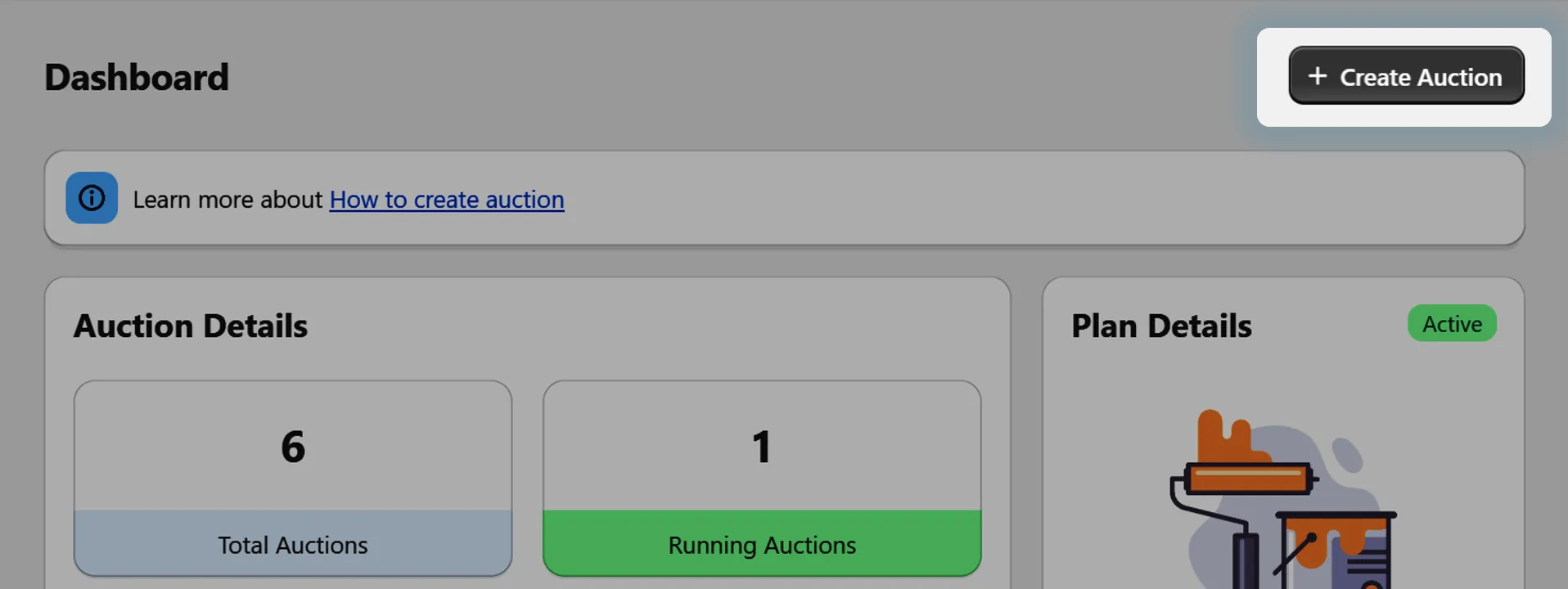
Navigate to the auction creation section in your app dashboard.
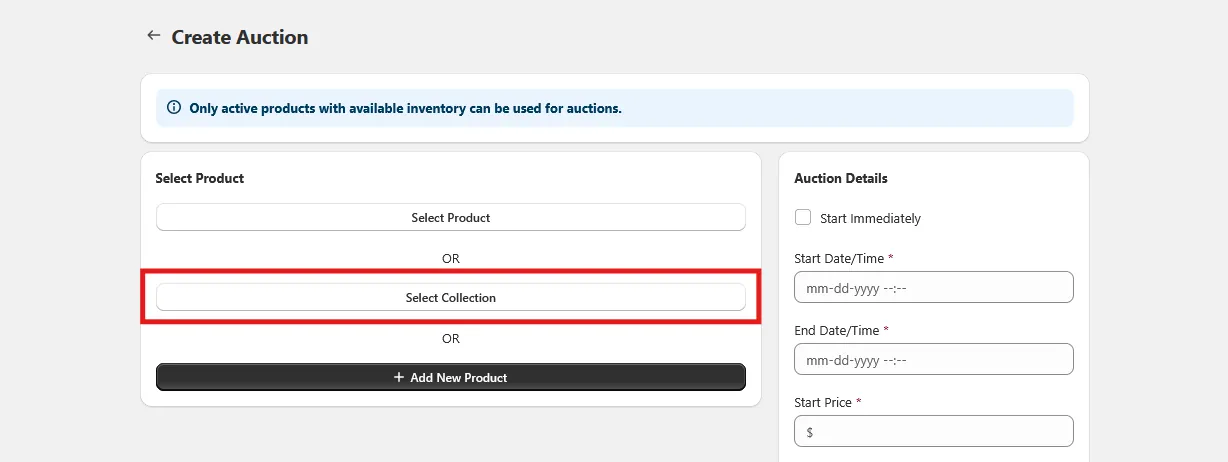
Step 2: Select Collection
Click on the "Select Collection" option. A searchable list of your existing collections will appear, and you can select the collection for which you want to create auctions.
- 📌 Important: You can create auctions for a collections, but the limit will depend on the user's purchased plan.
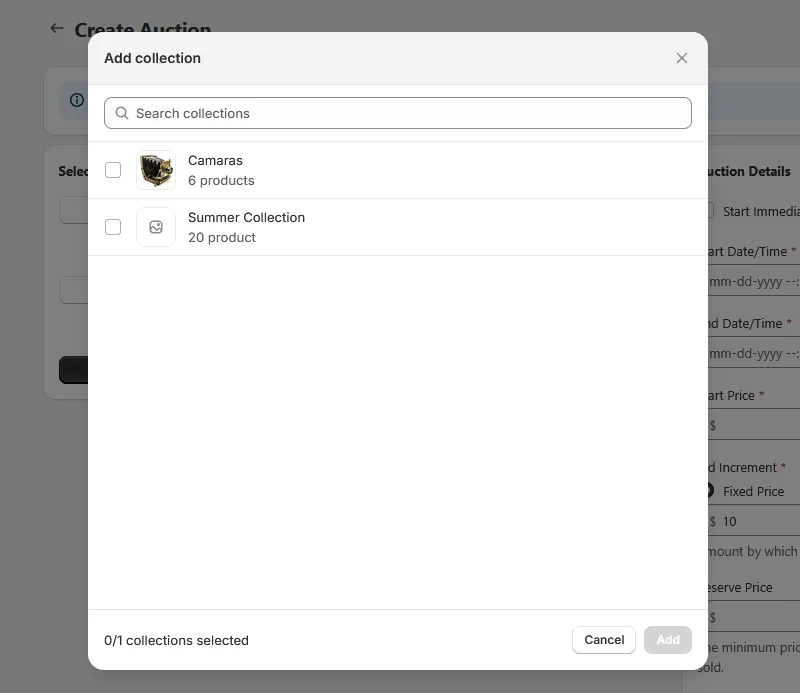
Step 3: Search for Collection
Use the search field to find the collection you want by typing its name. Select the collection you'd like to create auctions for.
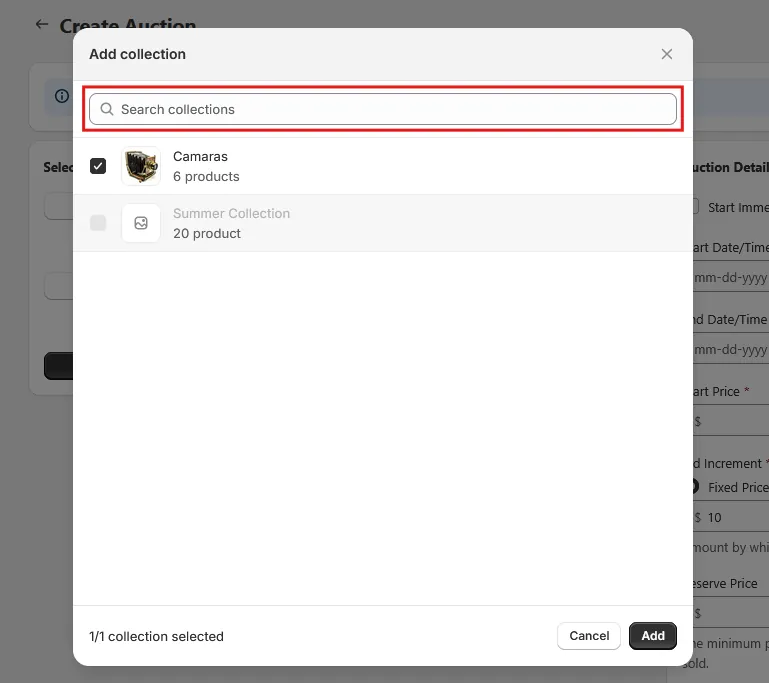
Step 4: Save and Confirm
Click the "Save" button. A confirmation modal will appear to inform you:
We will send an email to notify that auction on collection has been created successfully.
Auctions will be created only for products that meet the following conditions:
- ✅ The product is available on the Online Store sales channel.
- ✅ The inventory is greater than 0.
- ✅ The product status is set to Active.
- ✅ The product does not already have an existing auction.
Products that don't meet these criteria will be skipped during the auction creation process. Review the information and click "Confirm" to proceed.
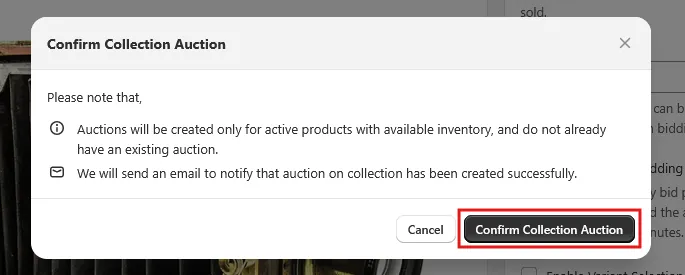
Step 7: Processing Status
After confirmation, your request will be submitted. On the auctions page, you'll see a status message:
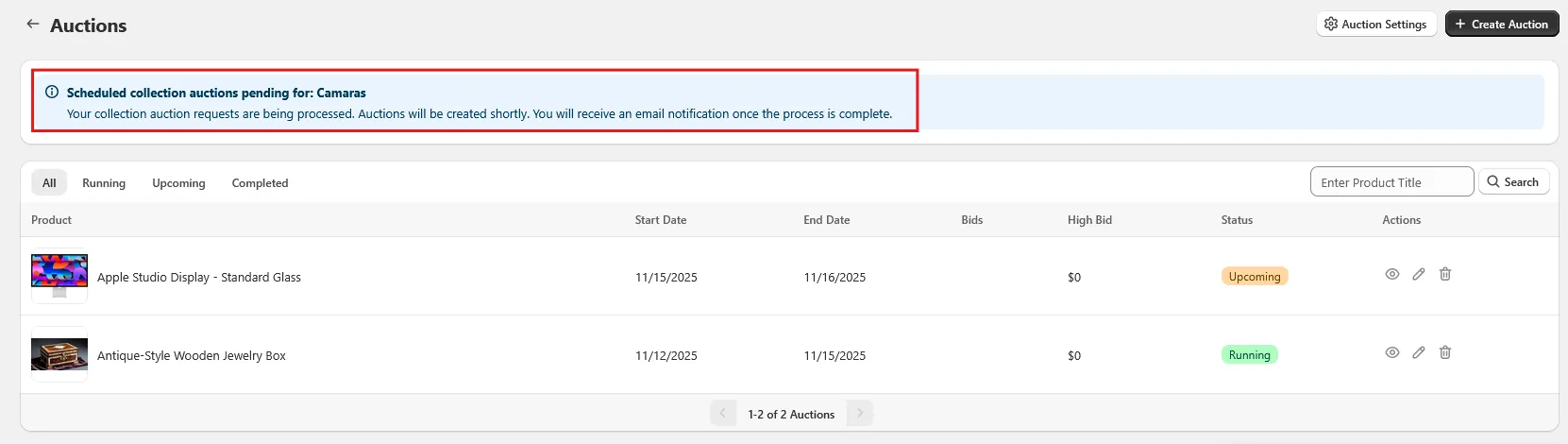
Step 8: Email Notification
Once the auction creation process is completed, you will receive an email notification.
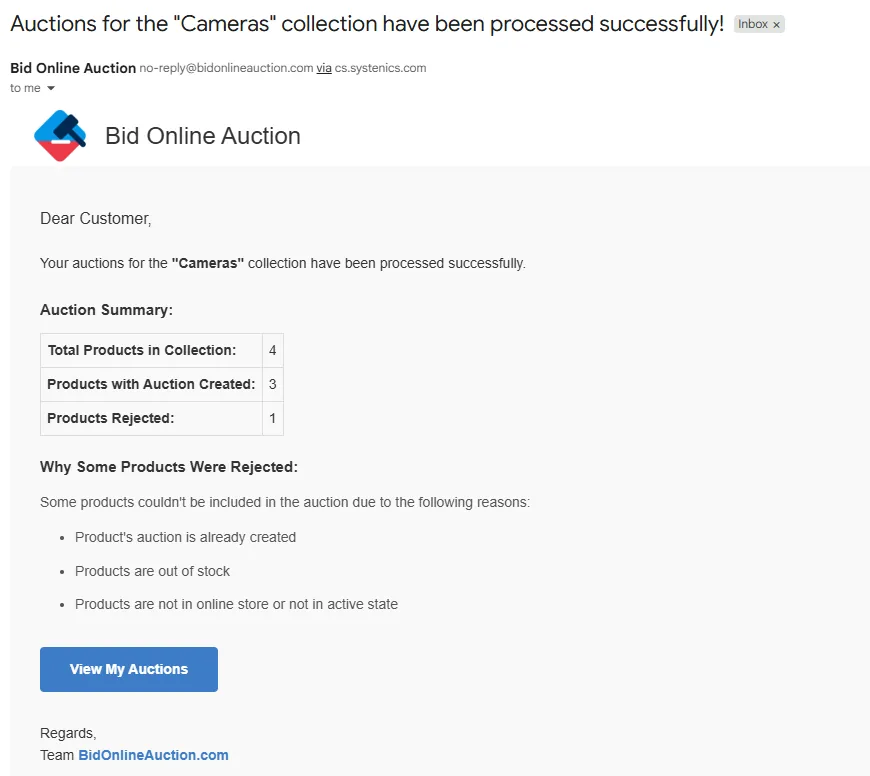
The email will include:
- Total products in collection: Complete count of products in the selected collection
- Auctions created: Count of products on which auctions have been created
- Auctions not created: Count of products on which auctions were not created because the products did not meet the defined criteria