Multi Currency
Allow storefront users to view and place bids in their preferred storefront currency.
Description
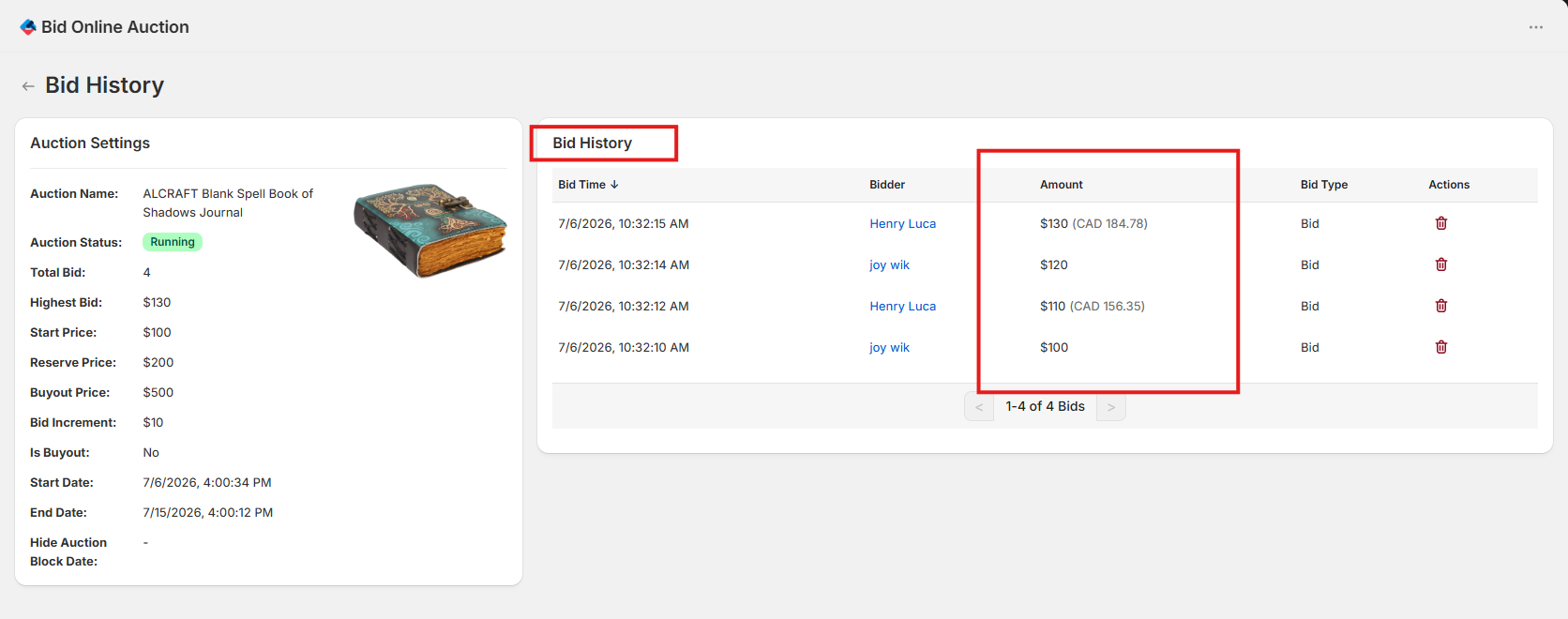
Enable multi-currency bidding so storefront users can view auction prices (such as bid increments, reserve prices, and buyout prices) and submit bids in their storefront's local currency. Storefront bids are converted using rates from the Shopify CDN. Admins can view bid history with the original local currency bid alongside the converted amount in the store's primary currency.
Video Tutorial
How it works
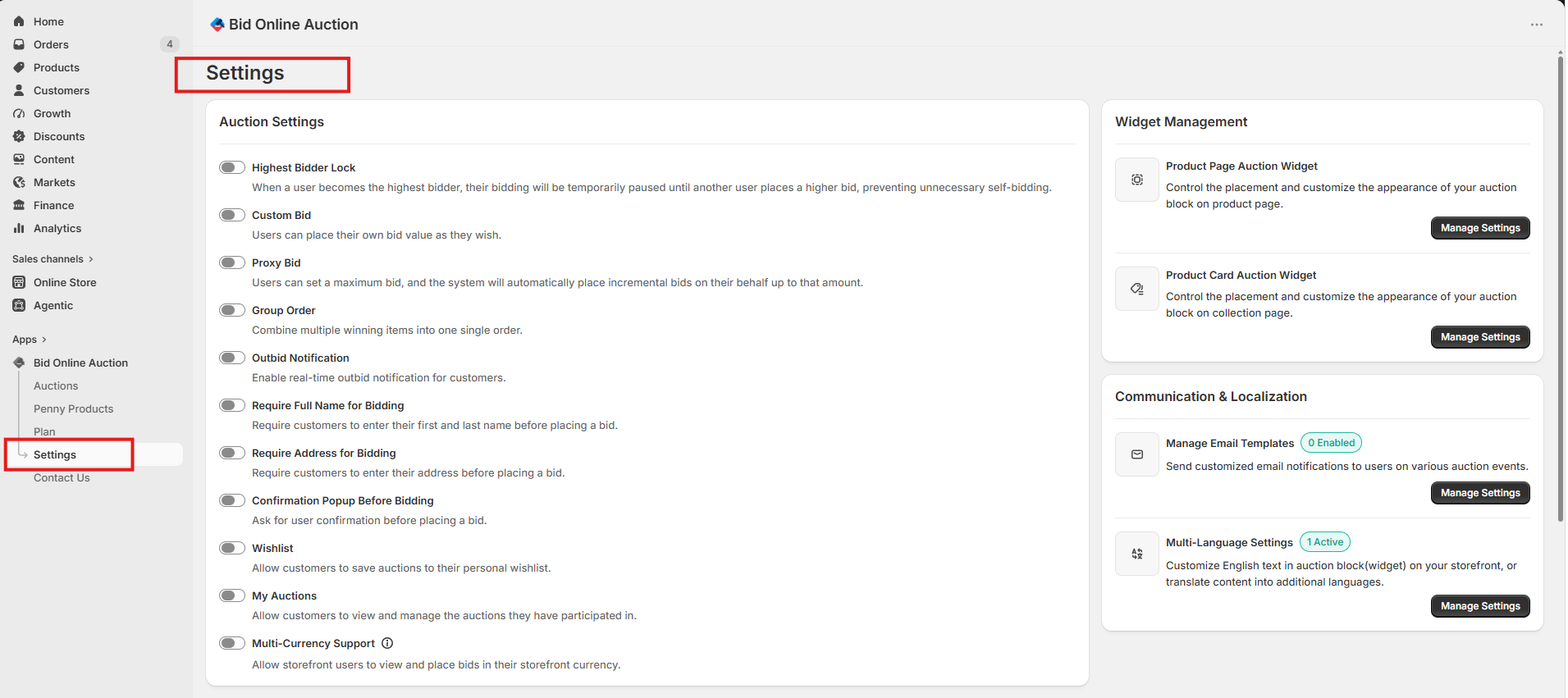
Step 1: Access Settings Page
Go to the Settings page in your installed app dashboard.
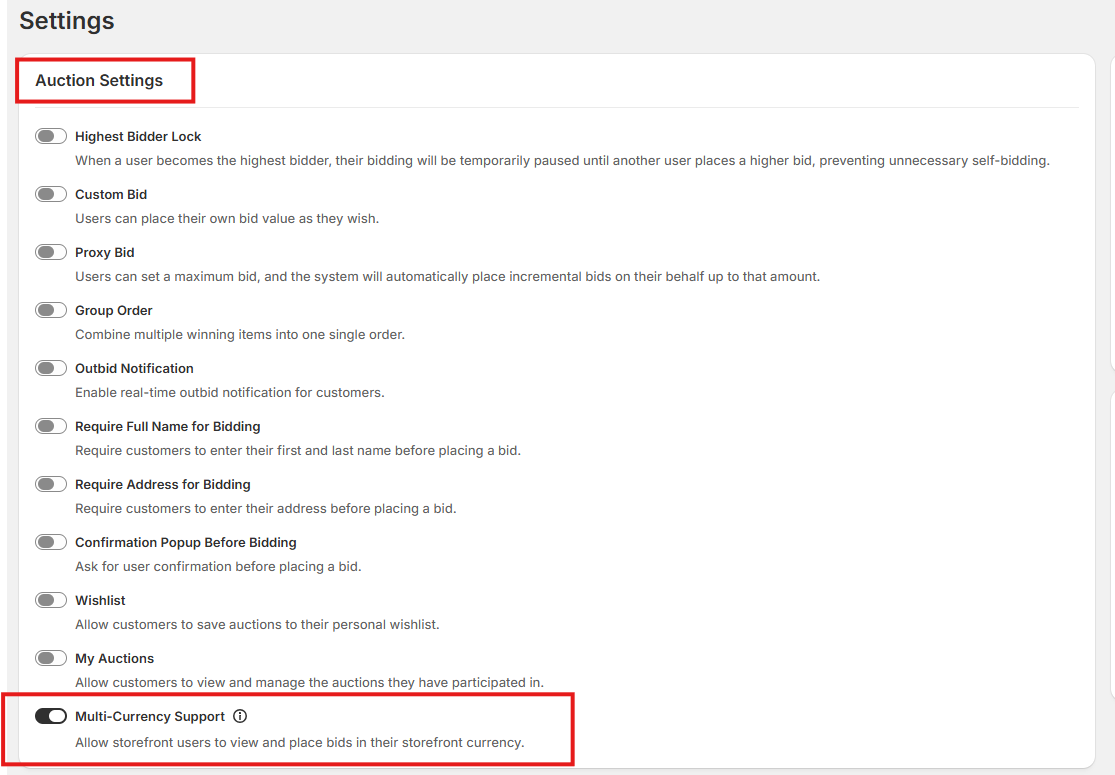
Step 2: Enable Multi Currency
Locate the Auction Settings section. Toggle the Multi Currency switch to enabled to activate the feature.
Step 3: View Pricing in Storefront Currency
Now, every pricing detail available for any auction (including starting bids, current bids, reserve prices, and buyout prices) will be automatically displayed in the storefront user's local currency.
Note: The currency conversion rate used may differ slightly from the actual real-time exchange rate.
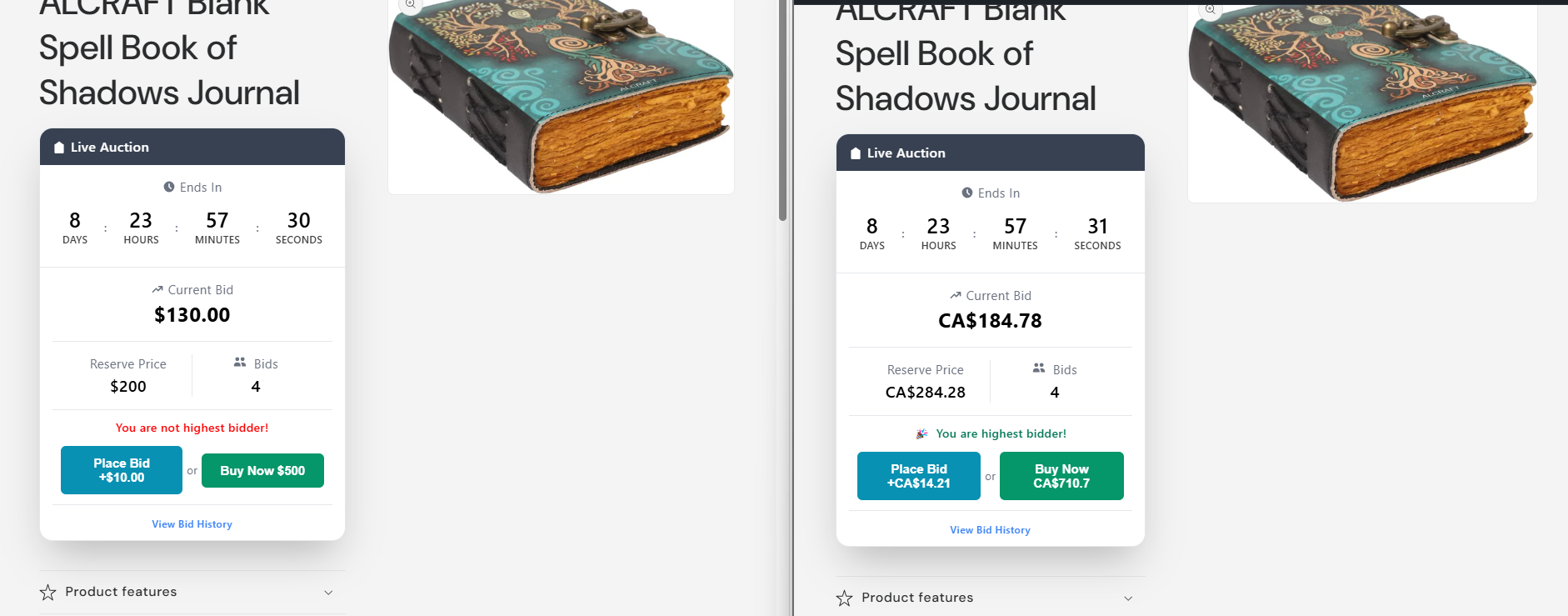
Step 4: View Bid History on Storefront
Storefront users can view the Bid History, which displays placed bids in their own storefront currency.
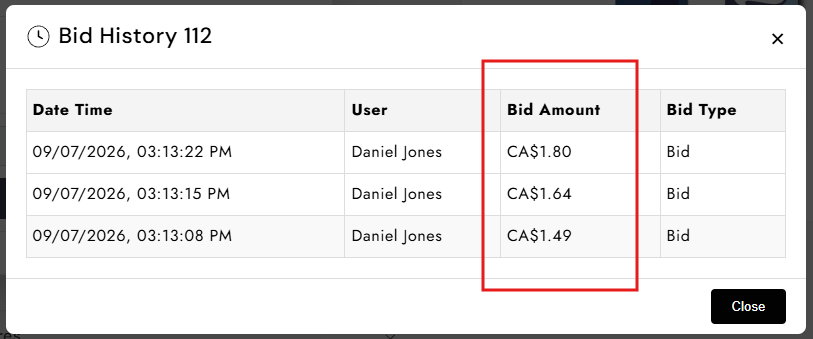
Step 5: View Bid History in Admin Dashboard
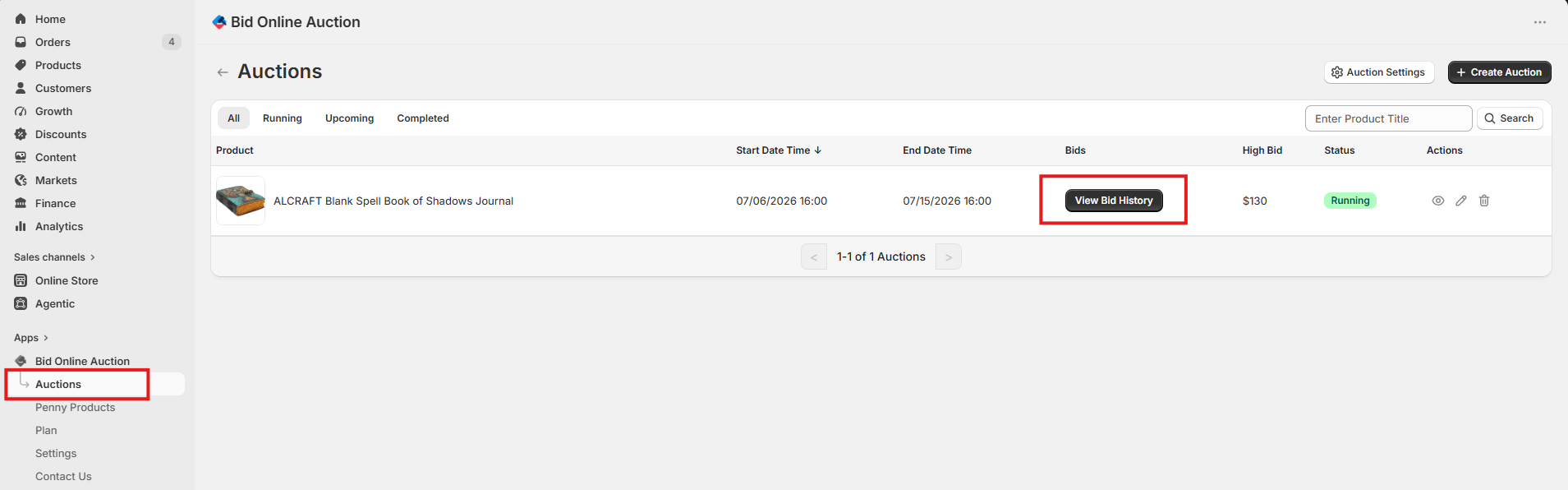
The admin can view the full bid history from the bid history page, showing which user placed a bid in which currency, along with the actual converted price in the admin's store currency.