
Immediate Auction Start
Start your auction instantly without setting a custom start date.
Description
The Immediate Auction Start feature allows users to launch their auction right away at the time of creation. Instead of scheduling a future start date, store owners can choose to begin the auction immediately, making the process faster and more flexible for time-sensitive sales events.
Video Tutorial
How it works
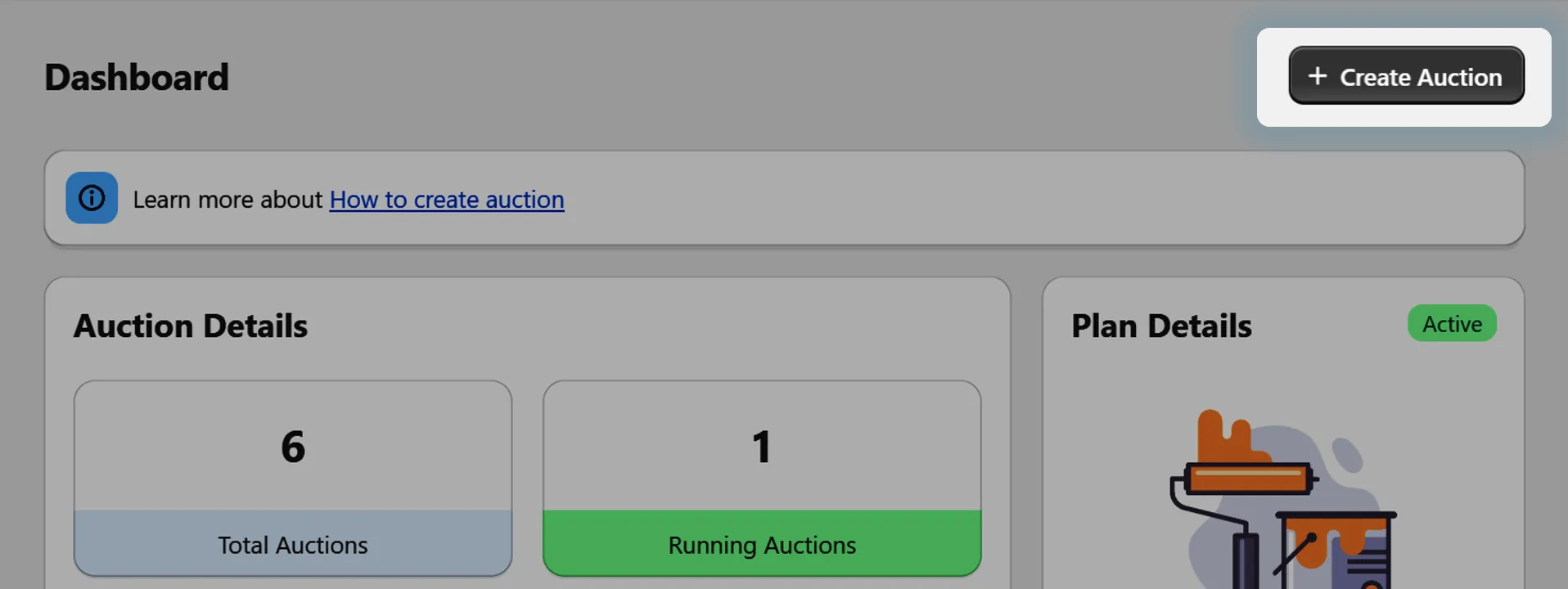
Step 1: Go to Auction Setup
Navigate to the auction creation section in your app dashboard.
Step 2: Enable Immediate Auction Start
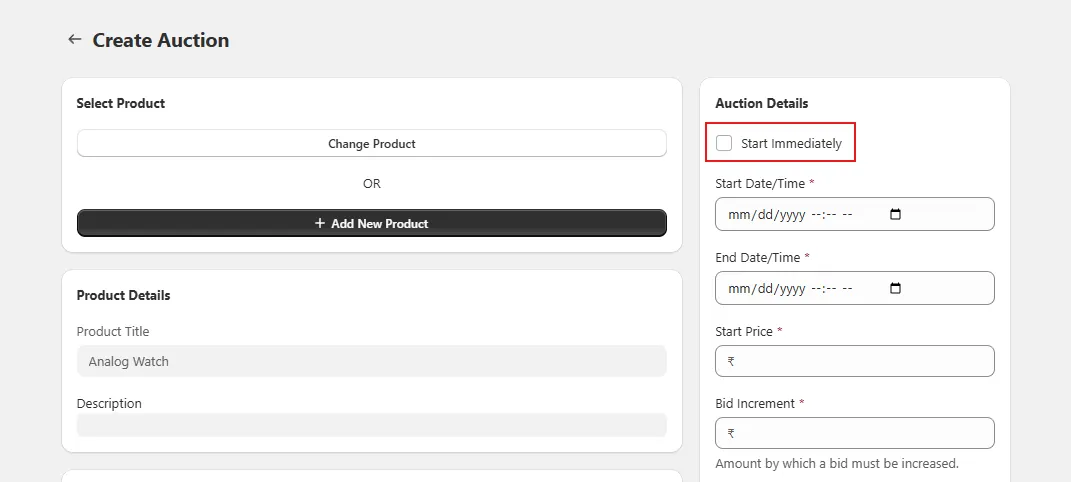
While setting up your auction, look for the "Start Immediately" checkbox.
Select it if you want the auction to begin instantly instead of scheduling a start date.
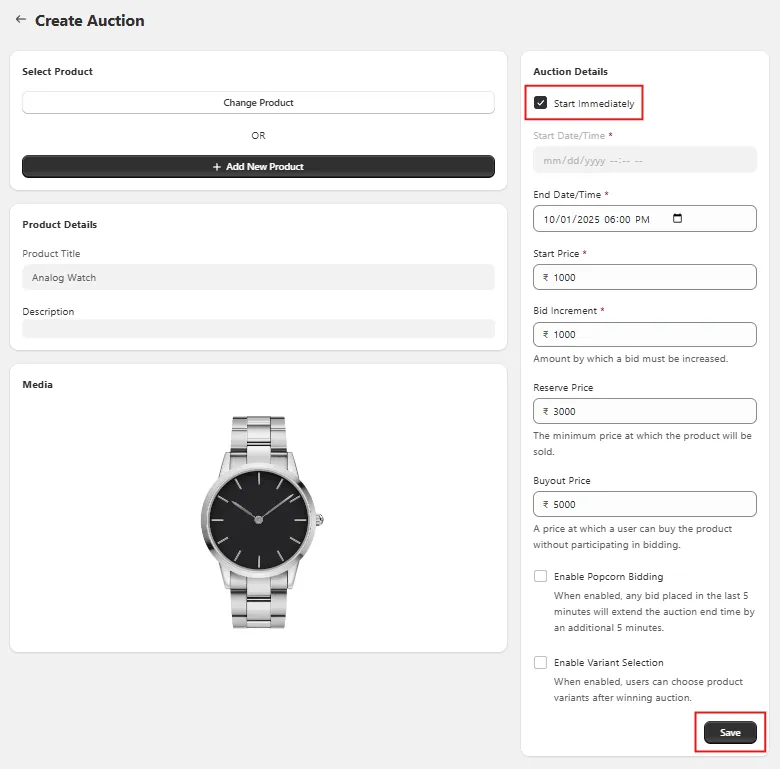
Step 3: Publish the Auction
Once you complete the setup and publish, the auction will go live immediately, without waiting for a scheduled start time.
Step 4: Editing an Auction
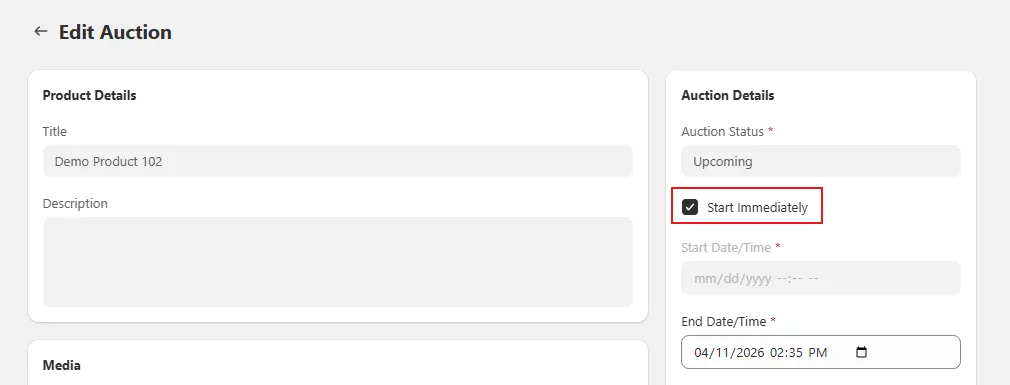
If an auction has been created but has not yet started, you can also edit it and enable Start Immediately. This will override the scheduled start date and launch the auction right away.
Step 5: Auction Is Live Instantly
The auction starts running immediately, and users can begin placing bids as soon as it is published or updated.